A bouncing puzzle game
The ball never stops bouncing. You decide where it lands.
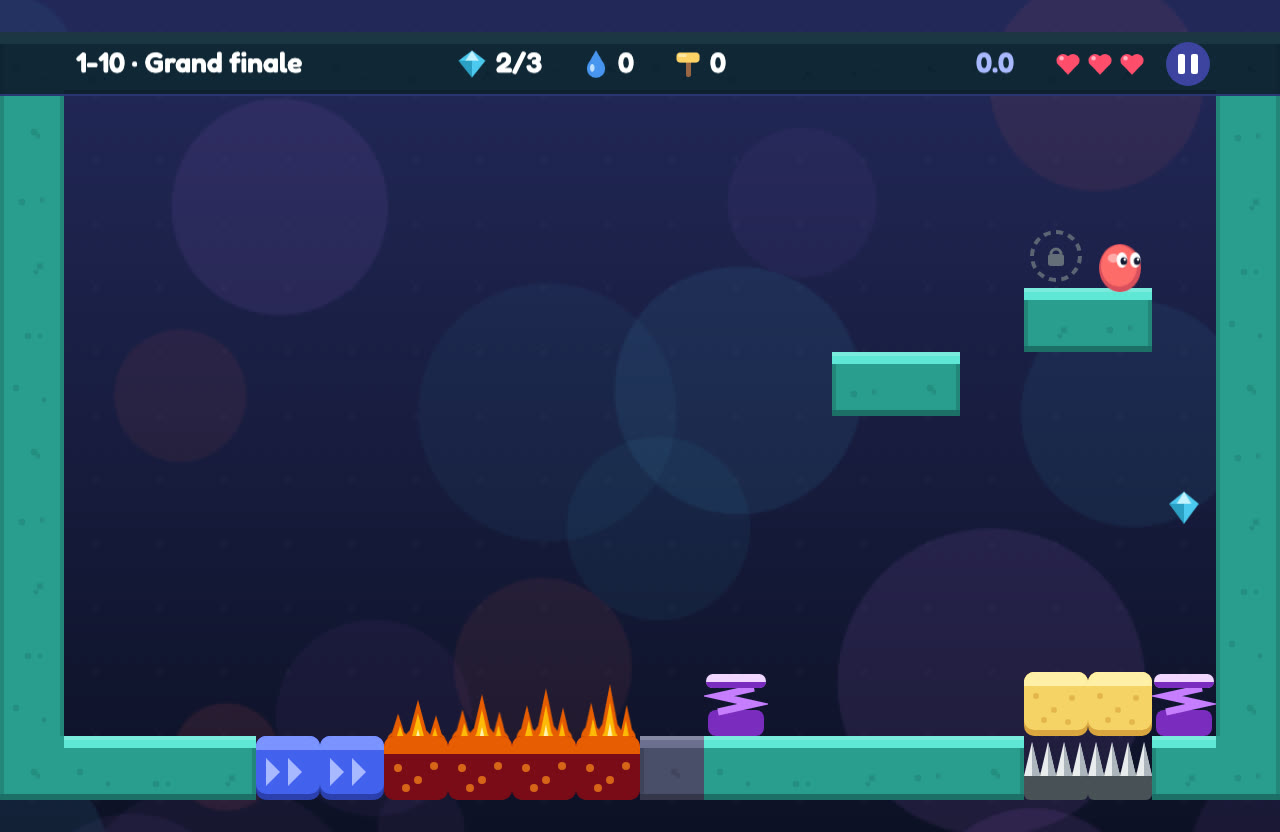
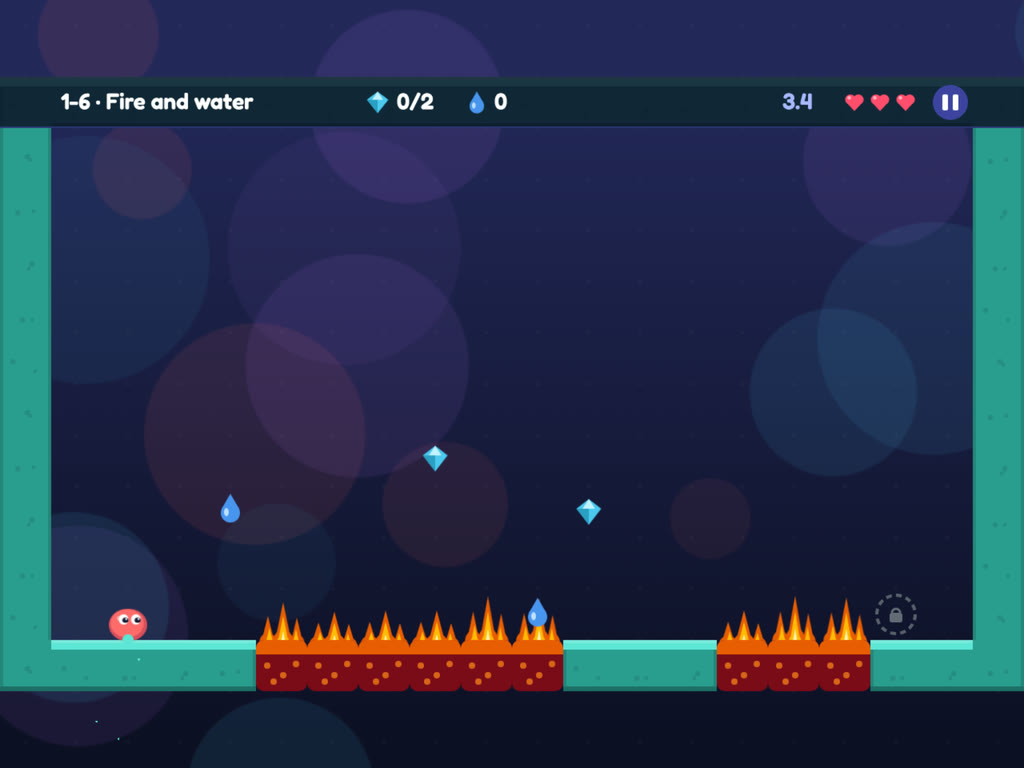
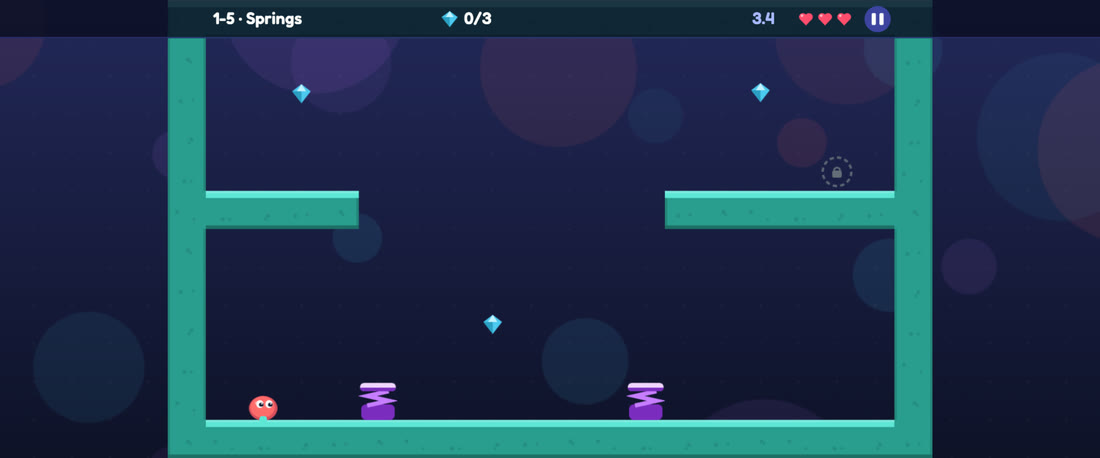
Steer a bouncy ball through 100 hand-made puzzle levels in 10 worlds: collect every gem, dodge spikes, ride the wind, jump through portals and find the exit. Free, in your browser, on any device.
Easy to learn, tricky to master
-
Bounce
The ball bounces on its own. Steer it in the air with the arrows.
-
Bounce higher
Hold jump as you land and it climbs three blocks instead of one.
-
Find the exit
Collect every gem to open the exit, and earn up to three stars per level.
Arrows or A D to move, Space to bounce higher. On a touch screen, slide anywhere to move and double tap to bounce higher. Any gamepad works too.
10 worlds, 100 levels, a new trick every time
Every world has its own look and two new mechanics, taught one level at a time. Pick a world to start playing.
-
Bouncy Valley
Ramps, springs, fragile floors, fire to put out and walls to knock down.
-
Crystal Caves
Find the key to open the locks, and land softly on moss.
-
Cloud Peaks
Jump up through the clouds and ride the updrafts.
-
Gear Works
Flip switches to move blocks and let pushers launch you sideways.
-
Coral Lagoon
Dive underwater and travel through portals.
-
Frost Peaks
Slide on ice, and watch out: thin ice breaks.
-
Ember Core
Blocks crumble under you and vents light up on a rhythm.
-
Star Station
Float in low gravity and ricochet off bumpers.
-
Shadow Keep
Play in the dark while blocks fade in and out.
-
Rainbow Summit
Collect every gem to light the rainbow bridge. Every trick, one last time.
Build your own levels
The level editor has every tile from the ten worlds. Paint a level, beat it and send it to your friends.
-
Paint
Pick a tile and draw. Every change is saved at once.
-
Prove it
A bot checks that your level can be beaten. Then you beat it too.
-
Share
Send it as a link, by WhatsApp or as a QR code. No account needed.
One game, every screen
Play on a computer, a tablet or a phone. Install it like an app, with no store: it opens full screen and keeps working without a connection.
- Works offline after your first visit
- Installs from the browser, no app store
- Keyboard, touch gestures and gamepad
- English, Spanish and Portuguese
- Level editor, with sharing by link and QR code
- No account: your progress stays on your device
The iPhone and Android apps are still in development. Meanwhile, play in your browser on any computer, tablet or phone, or install the game from the browser: it works just like an app.
Install it in a few taps
-
Computer
On Windows, Mac or Linux, open the game in Chrome or Edge and press “Install app” in the game menu or the install icon in the address bar. On a Mac with Safari: File → Add to Dock.
-
Android
Open the game in Chrome and tap “Install app” (or ⋮ → Install app).
-
iPhone and iPad
Open the game in Safari, tap Share and then “Add to Home Screen”.
Questions
Is Pongui free?
Yes. Play it in your browser at no cost, without an account.
Is there an app in the App Store or Google Play?
Not yet: the iPhone and Android apps are in development. Until then, install the game from your browser. It works the same, even offline.
Can I make my own levels?
Yes. On a computer, open “My levels” in the game menu and create one. Once you beat it you can share it as a link or a QR code, and anyone can play it on any device.
Does it work offline?
Yes. After your first visit the whole game is stored on your device, so it plays without a connection.
Where is my progress saved?
Only in your browser, on your device. The site only counts anonymous visits and levels played, with no cookies and no personal data.
Which devices can I use?
Any modern browser on a computer, tablet or phone. On a phone, turn it sideways to play.
Which languages does it speak?
English, Spanish and Portuguese. It follows your browser, and you can switch it from the menu.